Charts + context
iPhone Duo
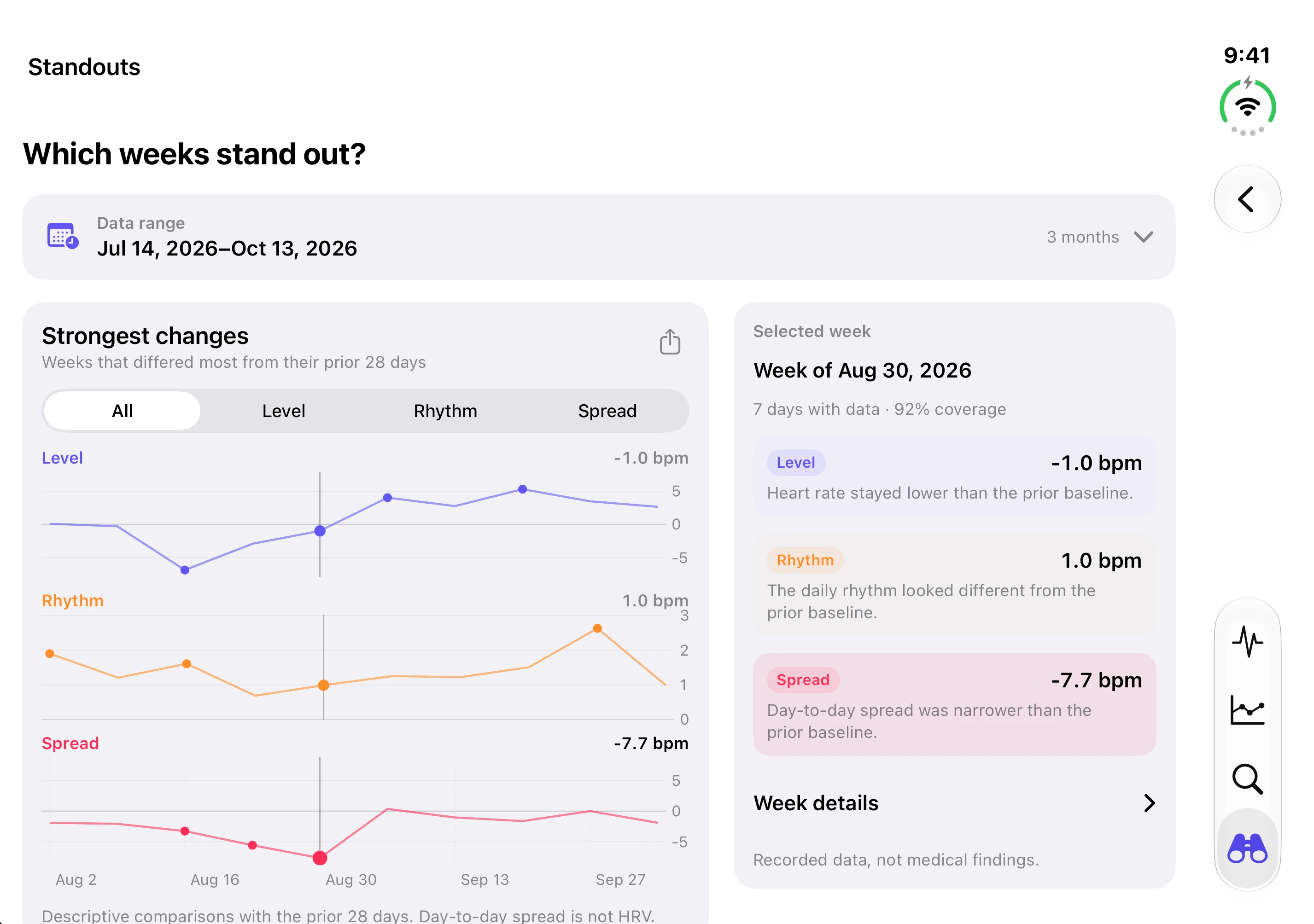
Keep charts and comparison details side by side on the wider display.
See 3 iPhone Duo screens
Sample data · Select a screenshot to enlarge
Your Apple Health history
Make sense of your Apple Health heart-rate history. Review days, compare routines, and explore what changed.
Free to start · One-time Pro · No subscription

Explore the app · iPhone
Sample data · Select a screenshot to enlarge · Swipe for more
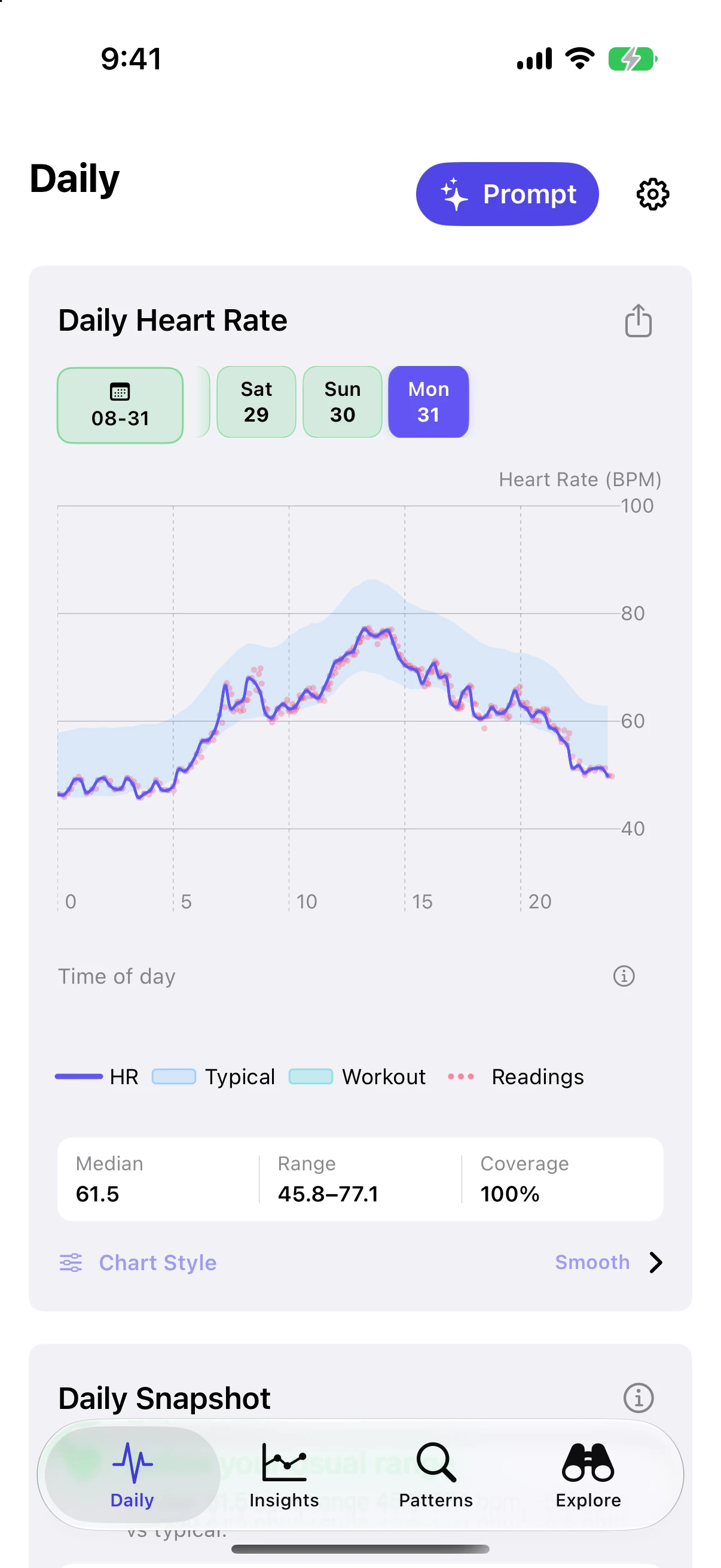
See your readings, workouts, and how much data was recorded.
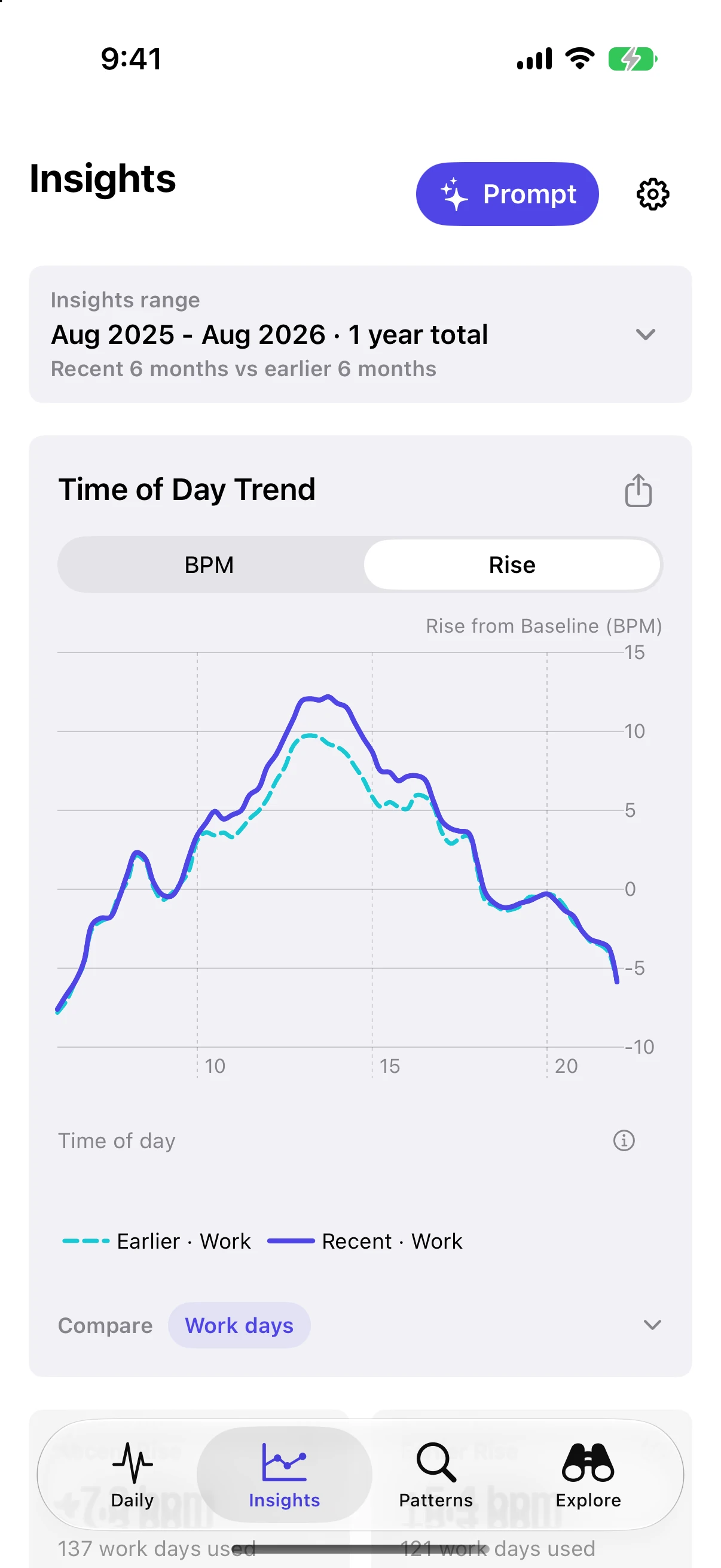
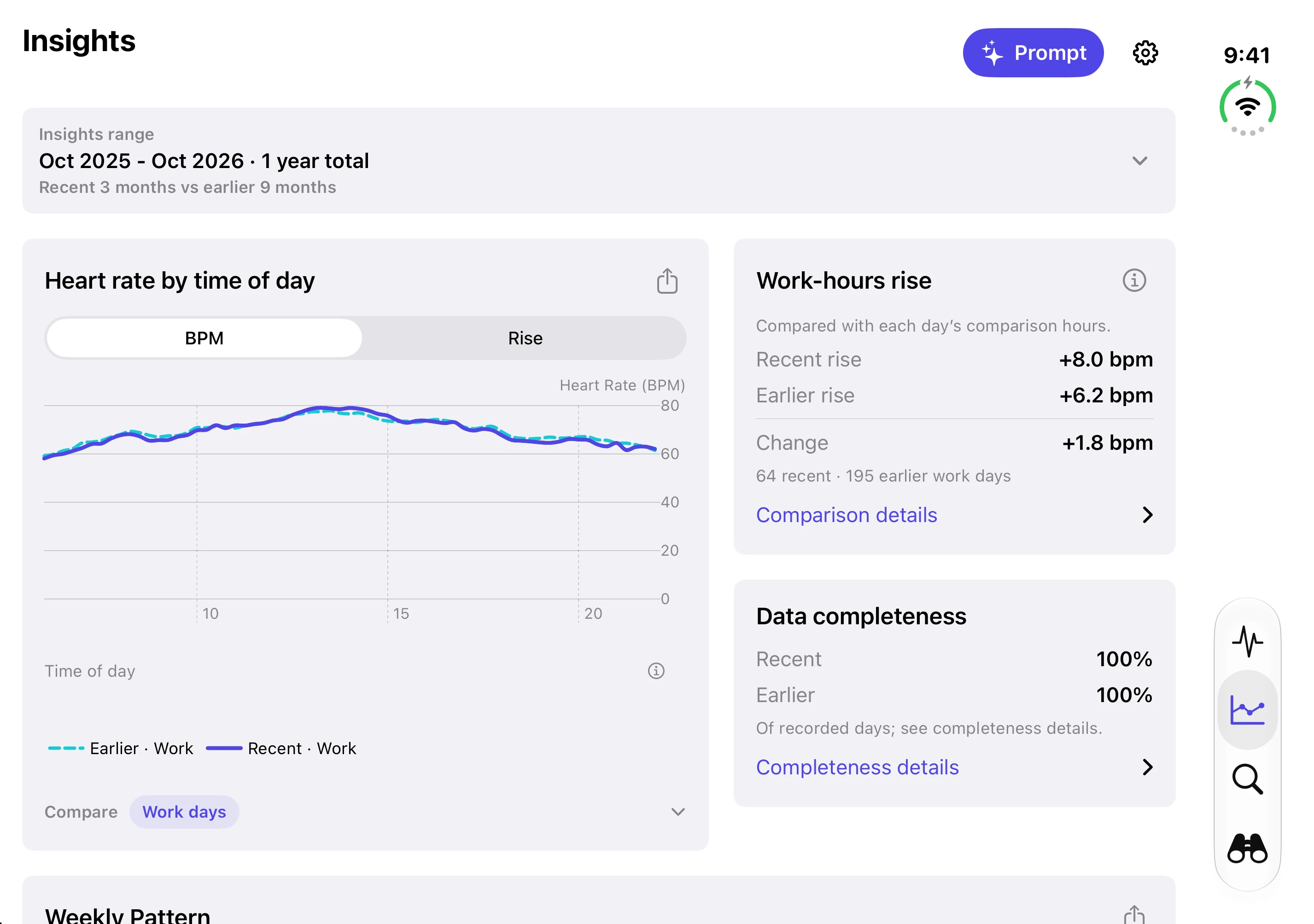
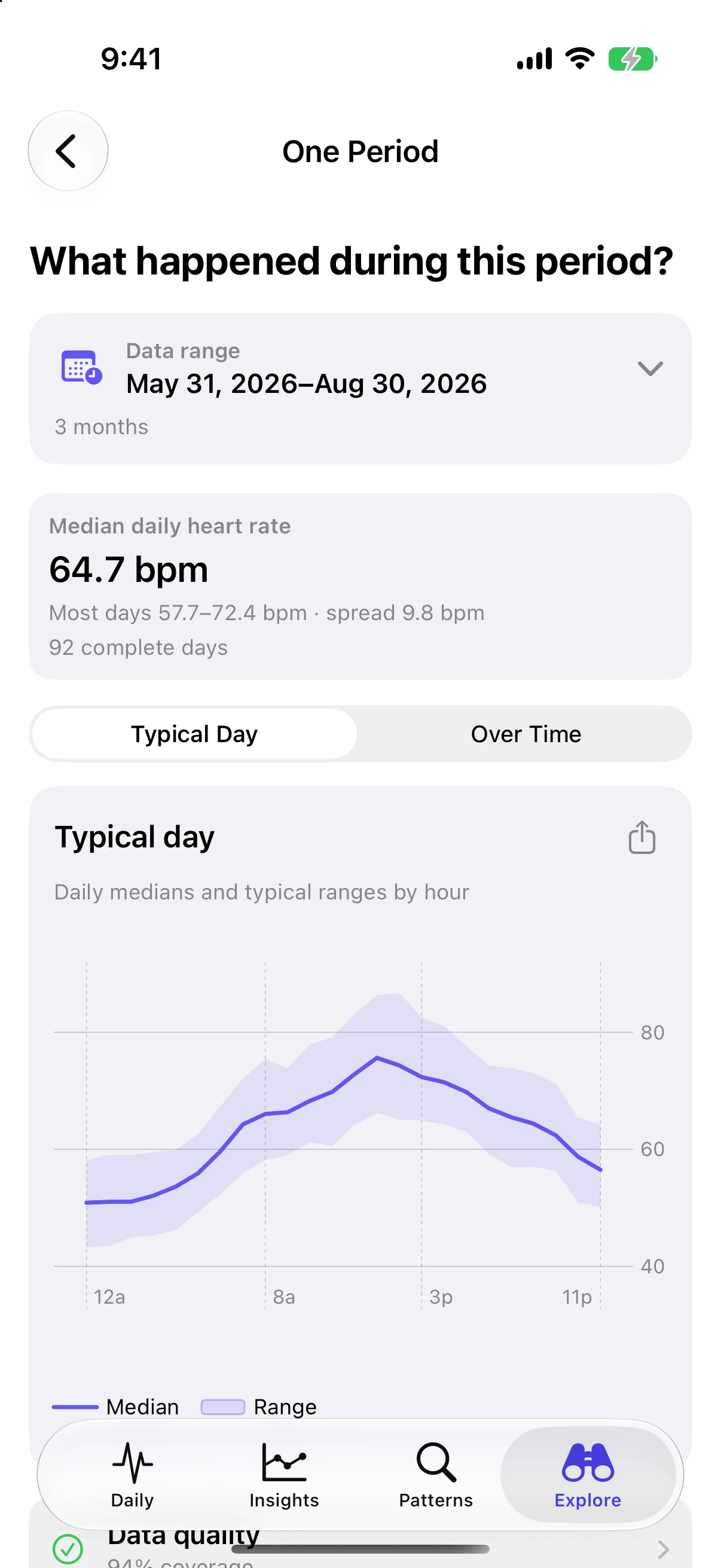
See how heart rate varies through the day.
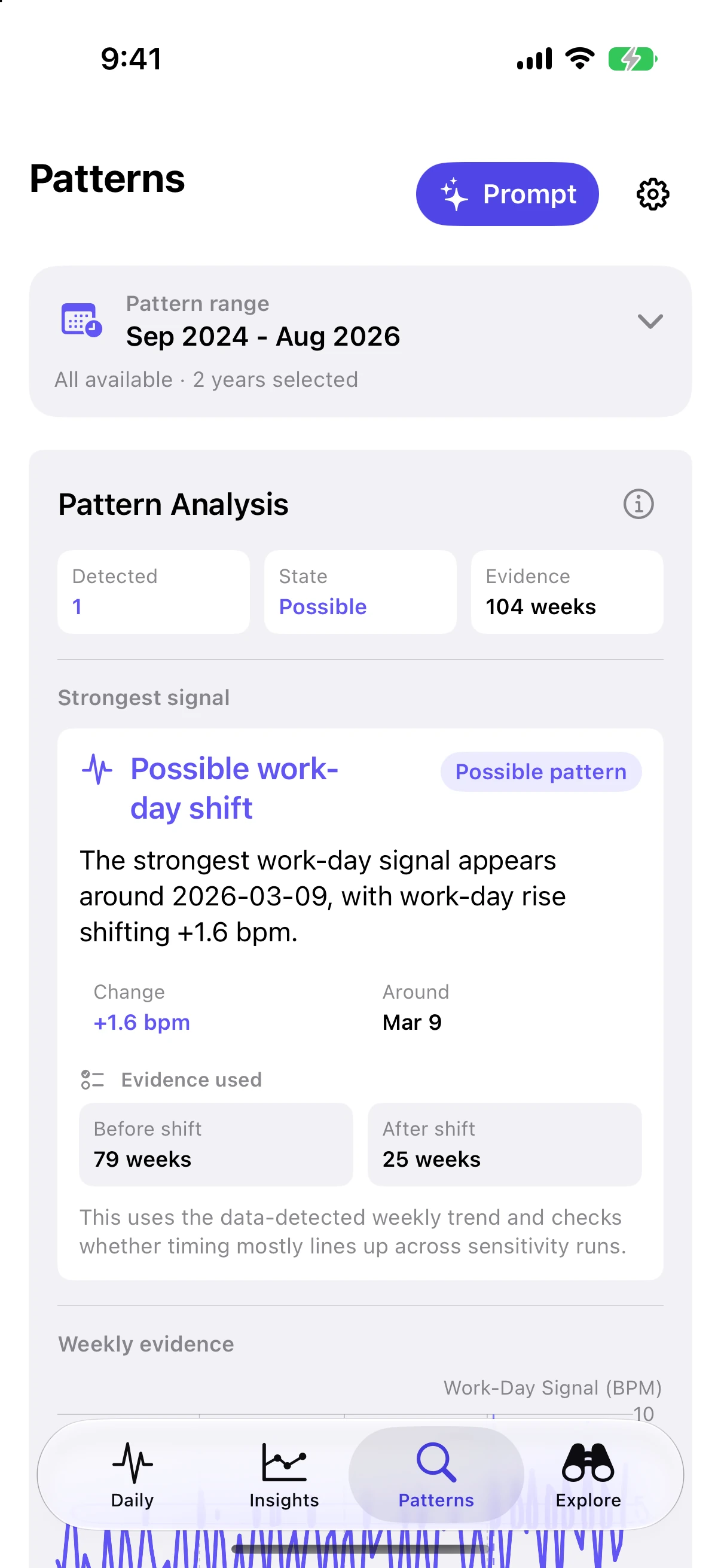
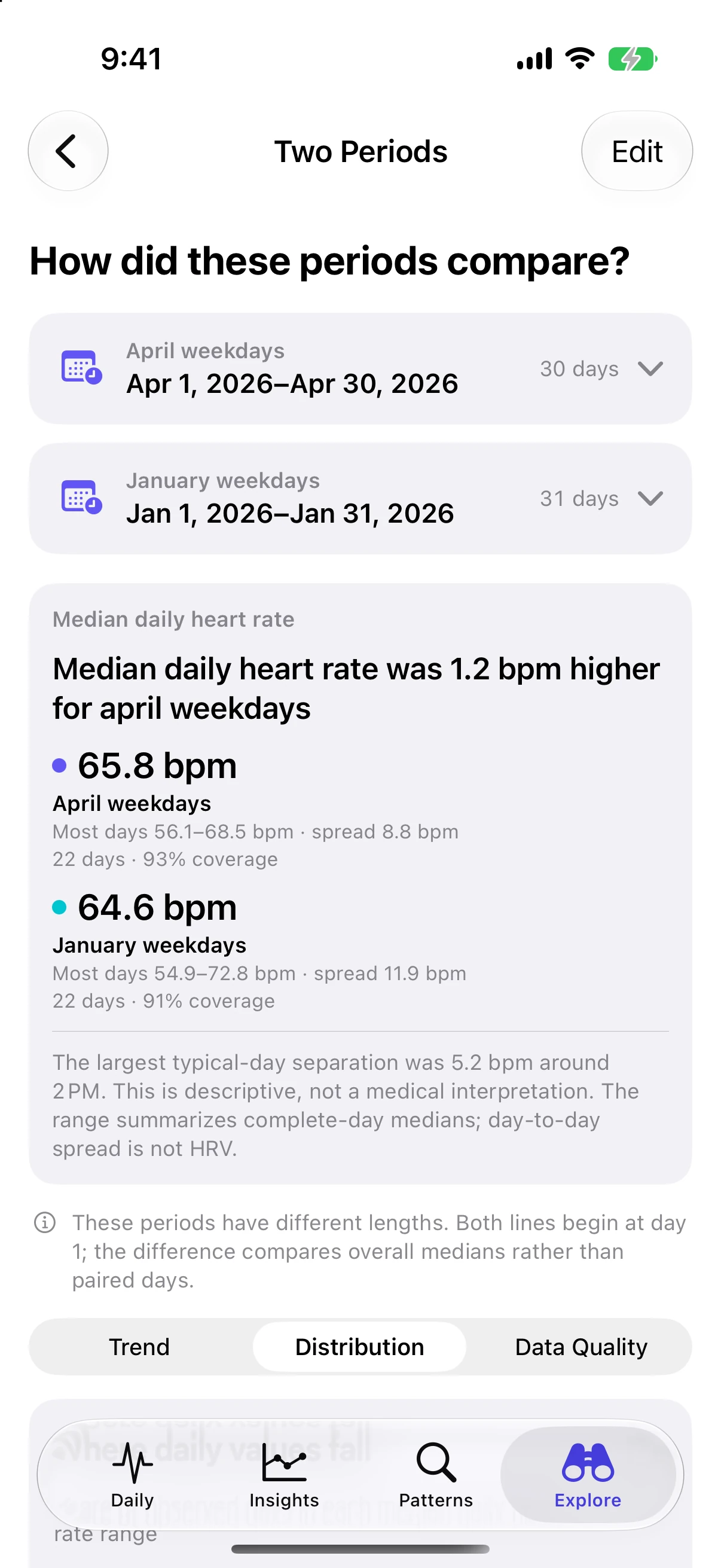
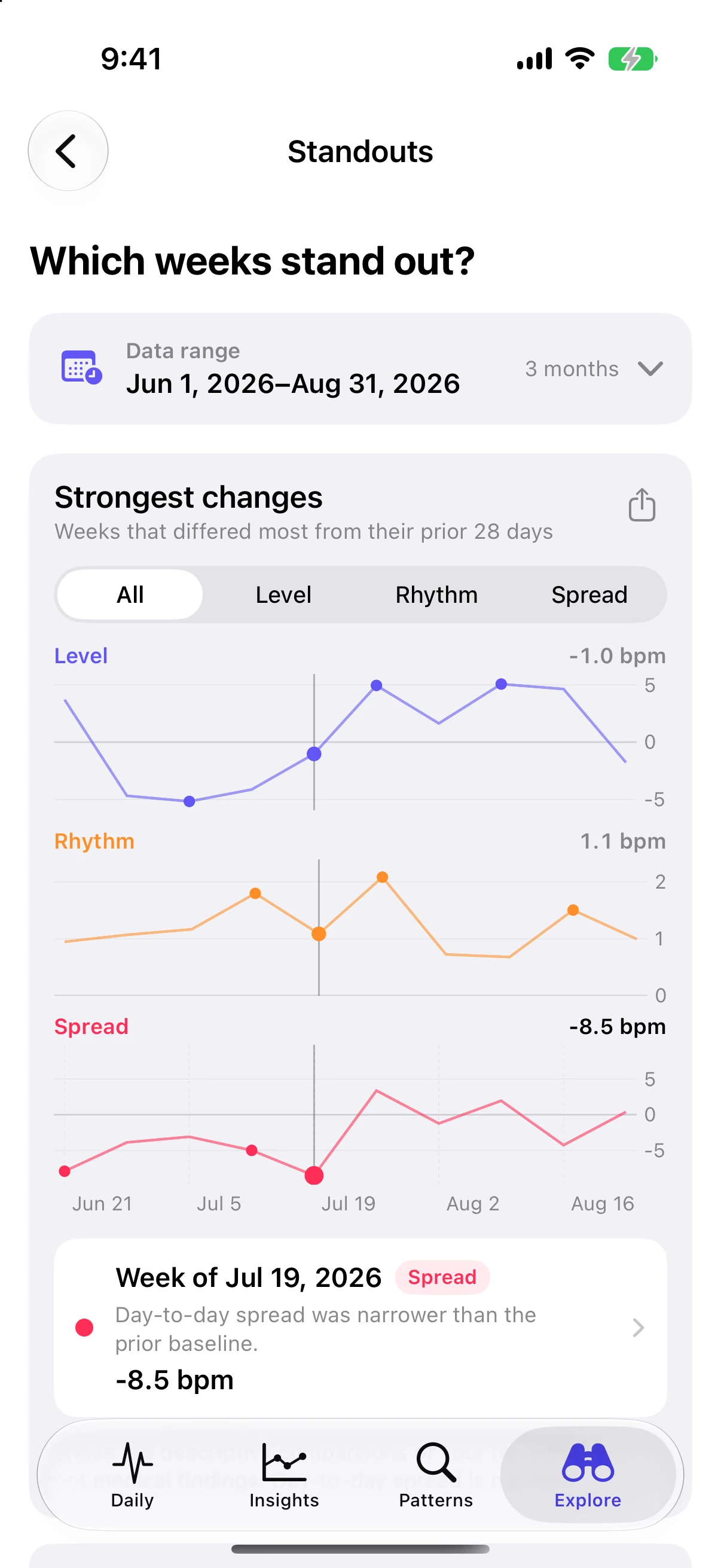
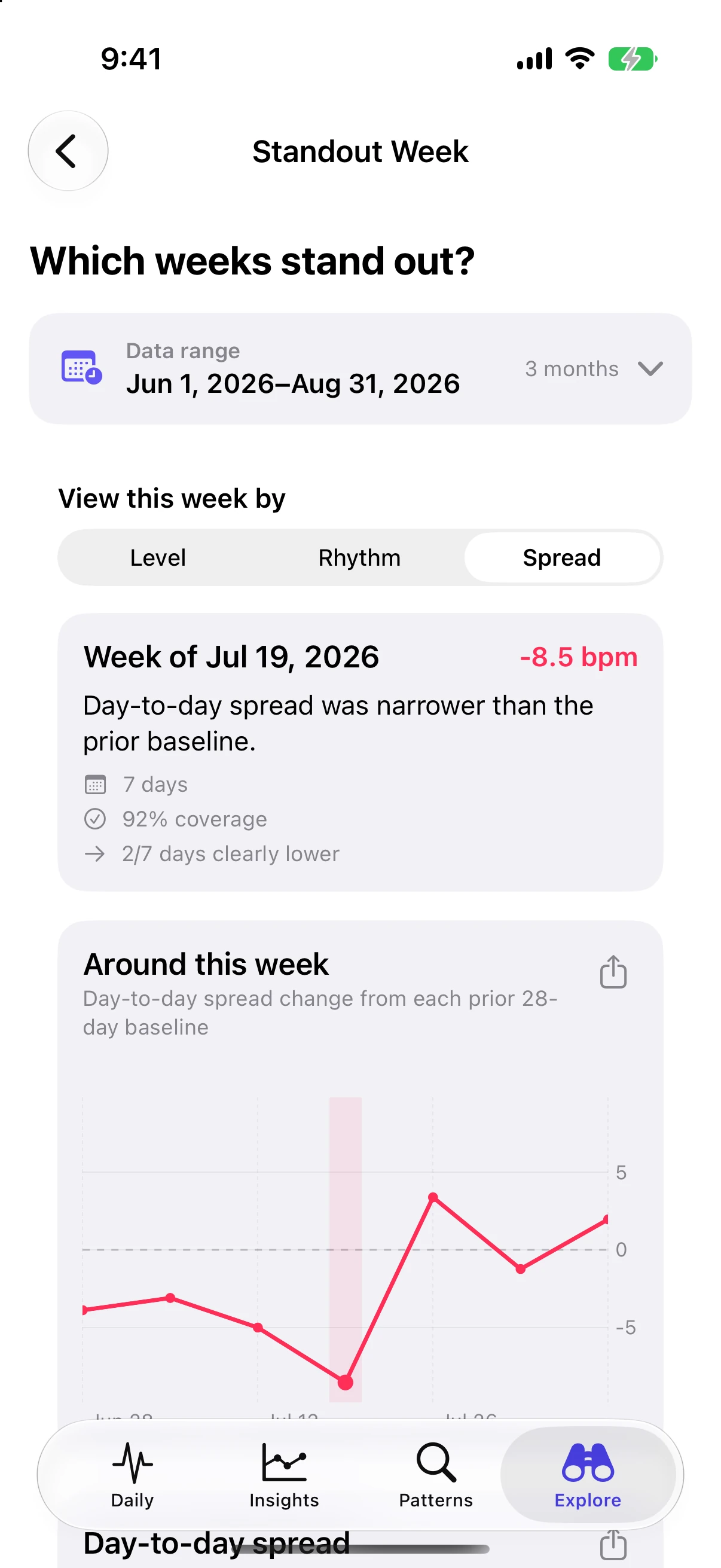
See changes in your usual heart rate, daily pattern, and how widely readings vary.
Sample data · Select a screenshot to enlarge
Simple pricing
Start with recent history. Unlock the full picture whenever you’re ready.
| Choose how far you want to look. |
Free$0 No time limitExplore recent history. |
ProFull history$14.99 USD One-time purchaseSee the years behind the shifts. |
|---|---|---|
| Health history | Your most recent 60 days | All available Apple Health history |
| Patterns | Up to 90 days | All available history |
| PDF & CSV exports | One PDF or CSV export | Unlimited PDF reports and CSV exports |
Both include all available sample-data history, report previews, and analysis on your device.
No recurring subscription.
US Pro price shown, verified August 30, 2026. Local prices vary.
You can purchase one additional export with a single-export purchase at the current local App Store price.
On your devices
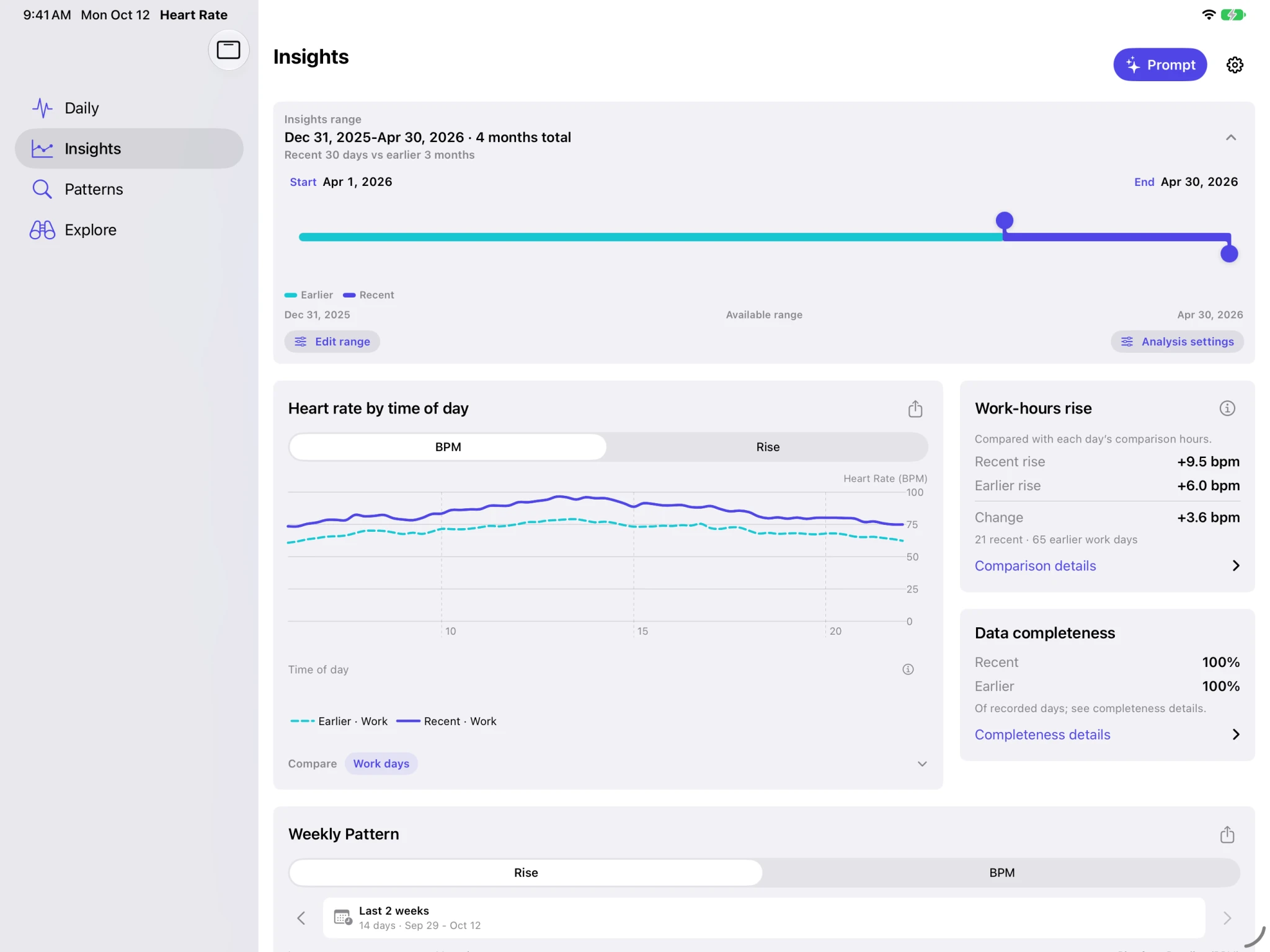
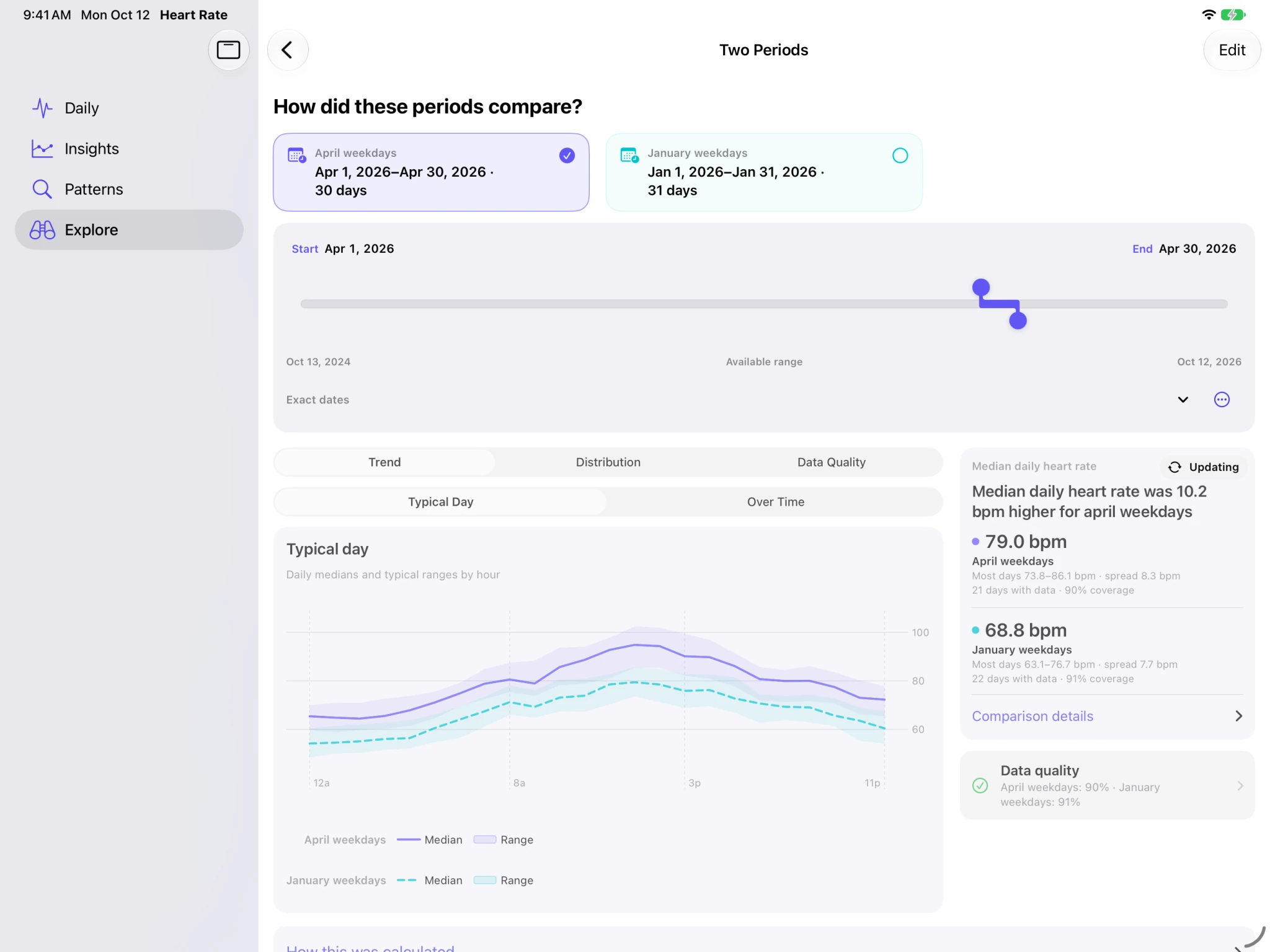
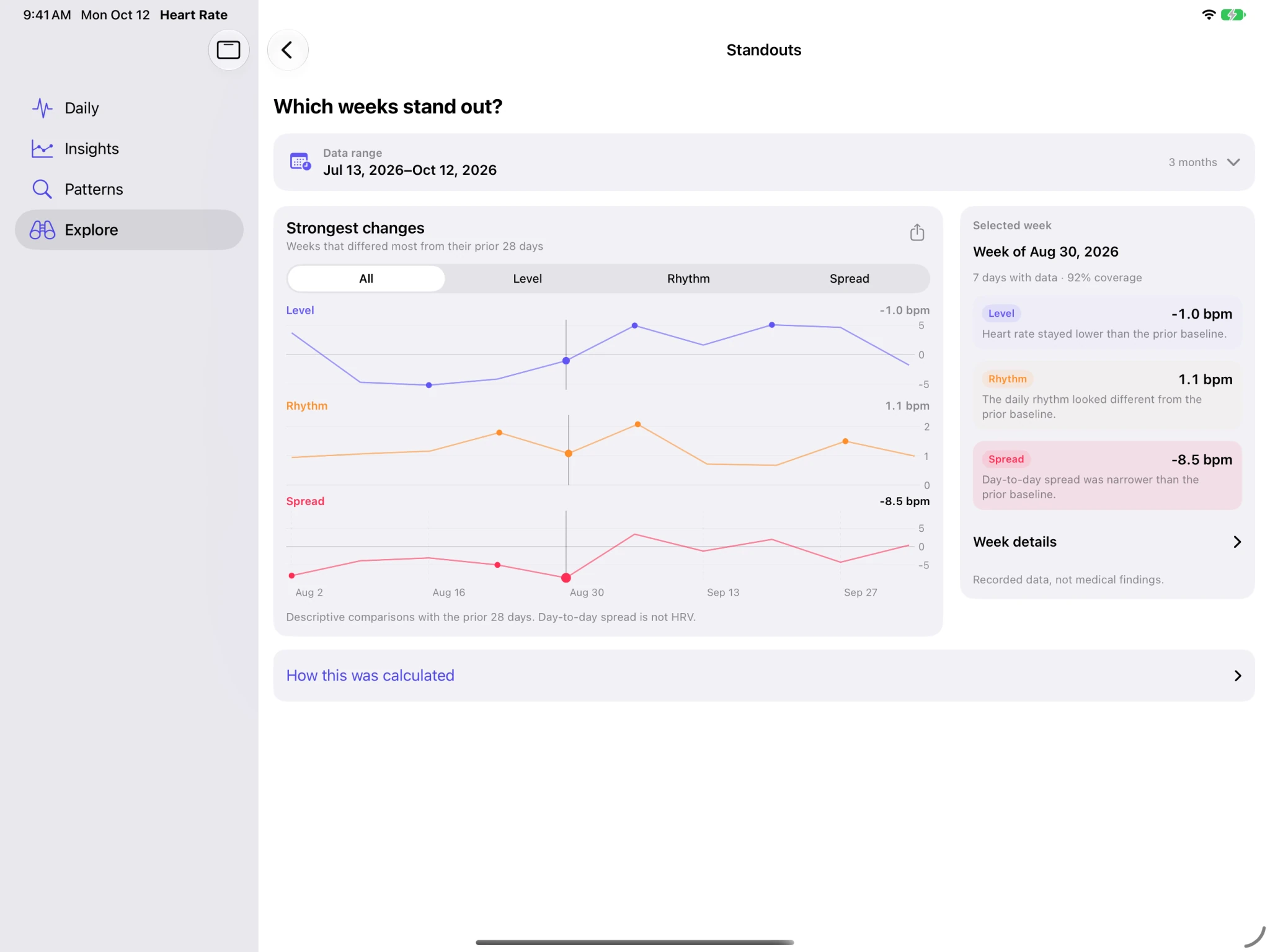
Keep charts and their context side by side on iPhone Duo and iPad.
Charts + context
Keep charts and comparison details side by side on the wider display.
Sample data · Select a screenshot to enlarge
A wider view
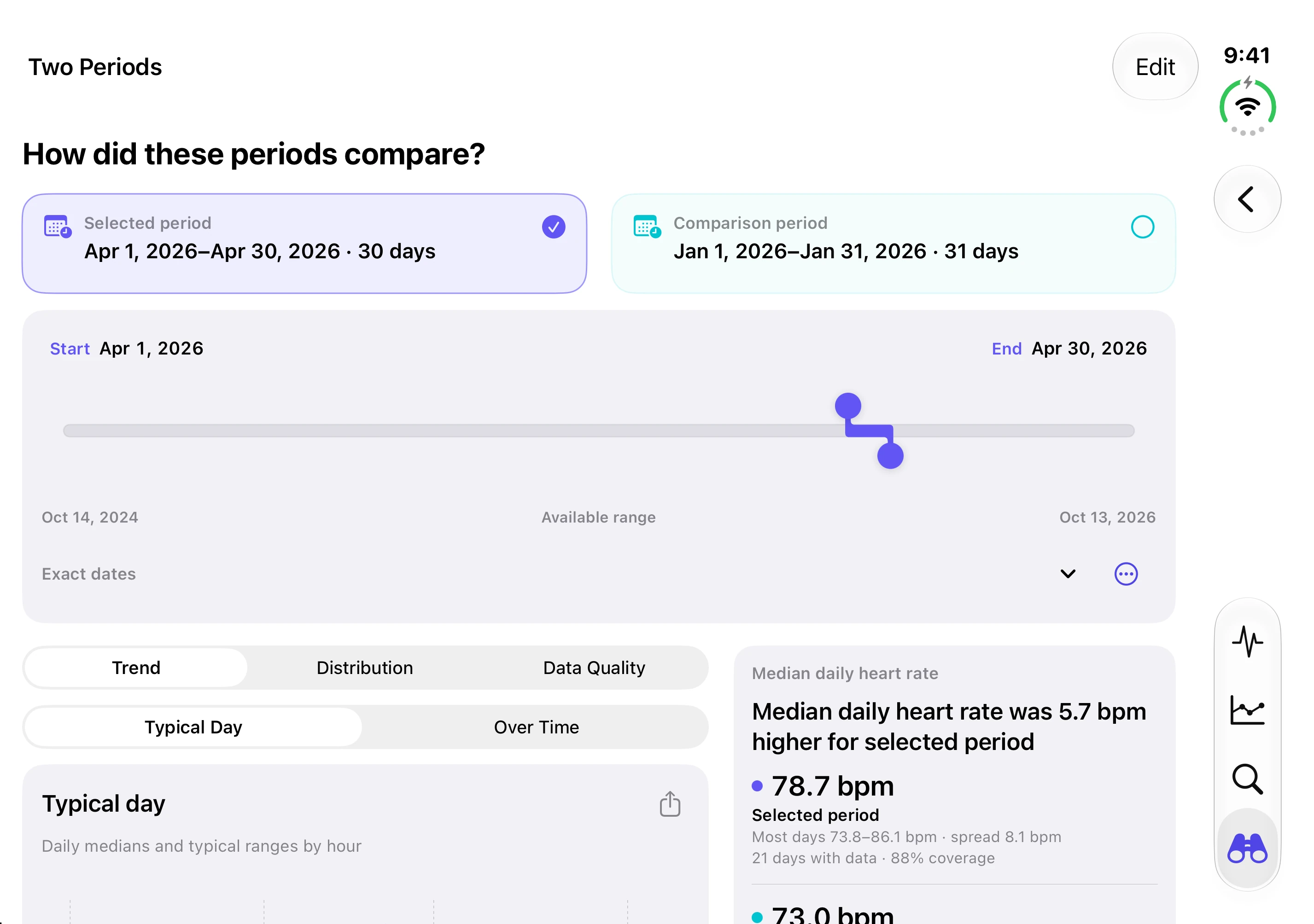
Explore a day, compare periods, and review standout weeks with charts and context side by side. Adjust date ranges with compact handles and clear start and end labels that adapt to larger text.
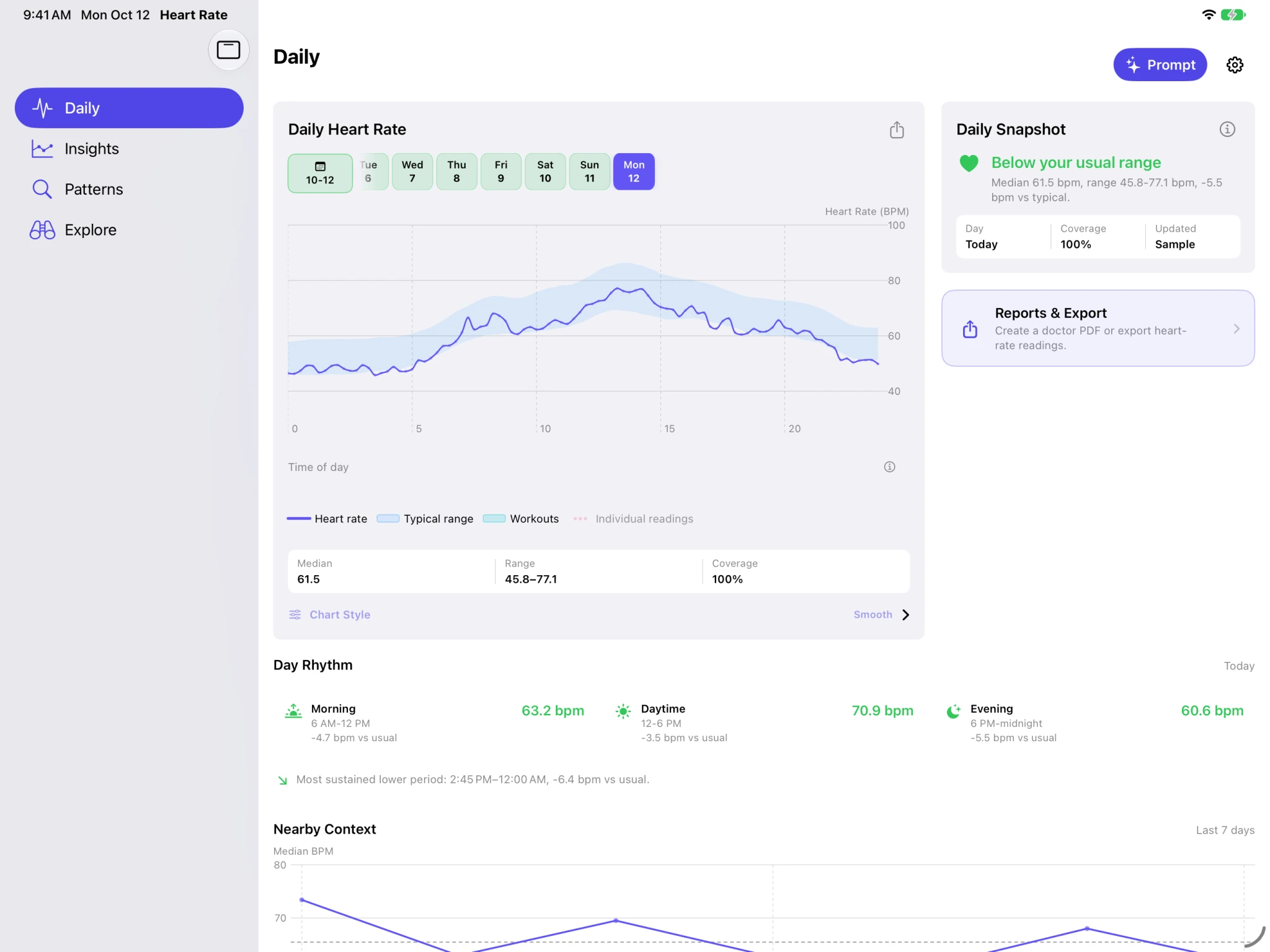
Sample data · Select a screenshot to enlarge
Reports & sharing
A report to keep. Readings to explore. A question to take further.
Save charts, information about recorded data, and selected daily details for your records or an appointment.
View sample PDF ↗Two pages · Sample data · Opens in a new tab
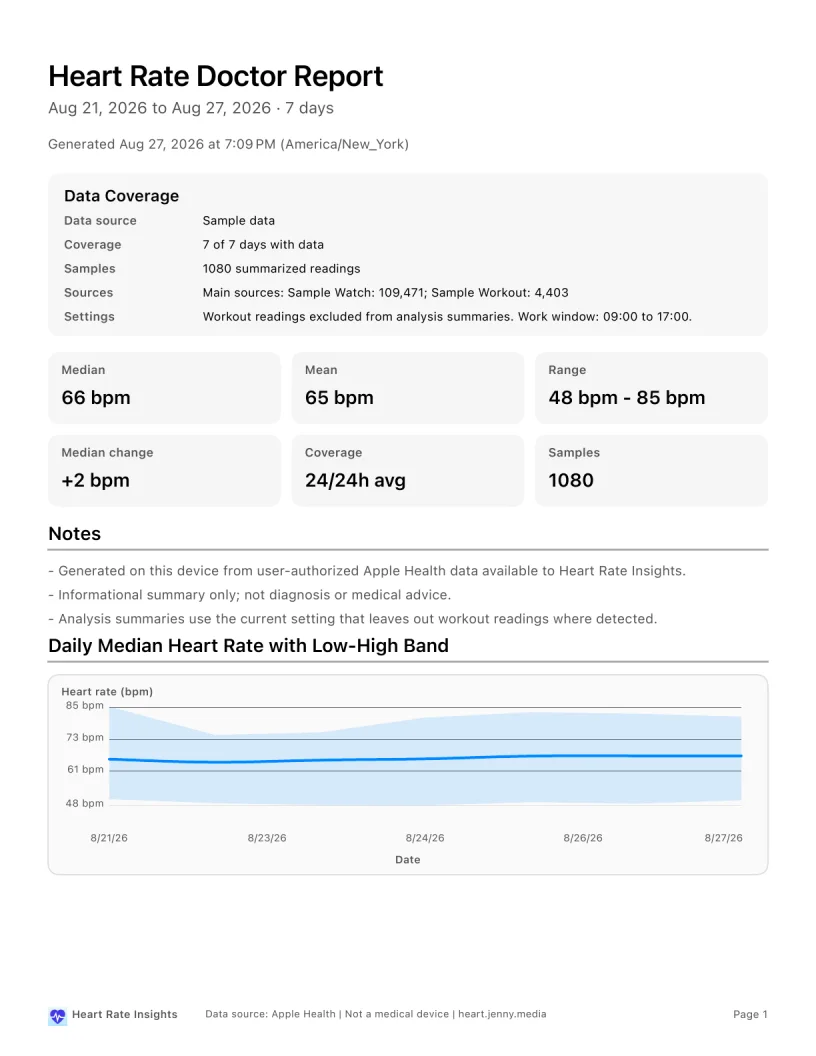
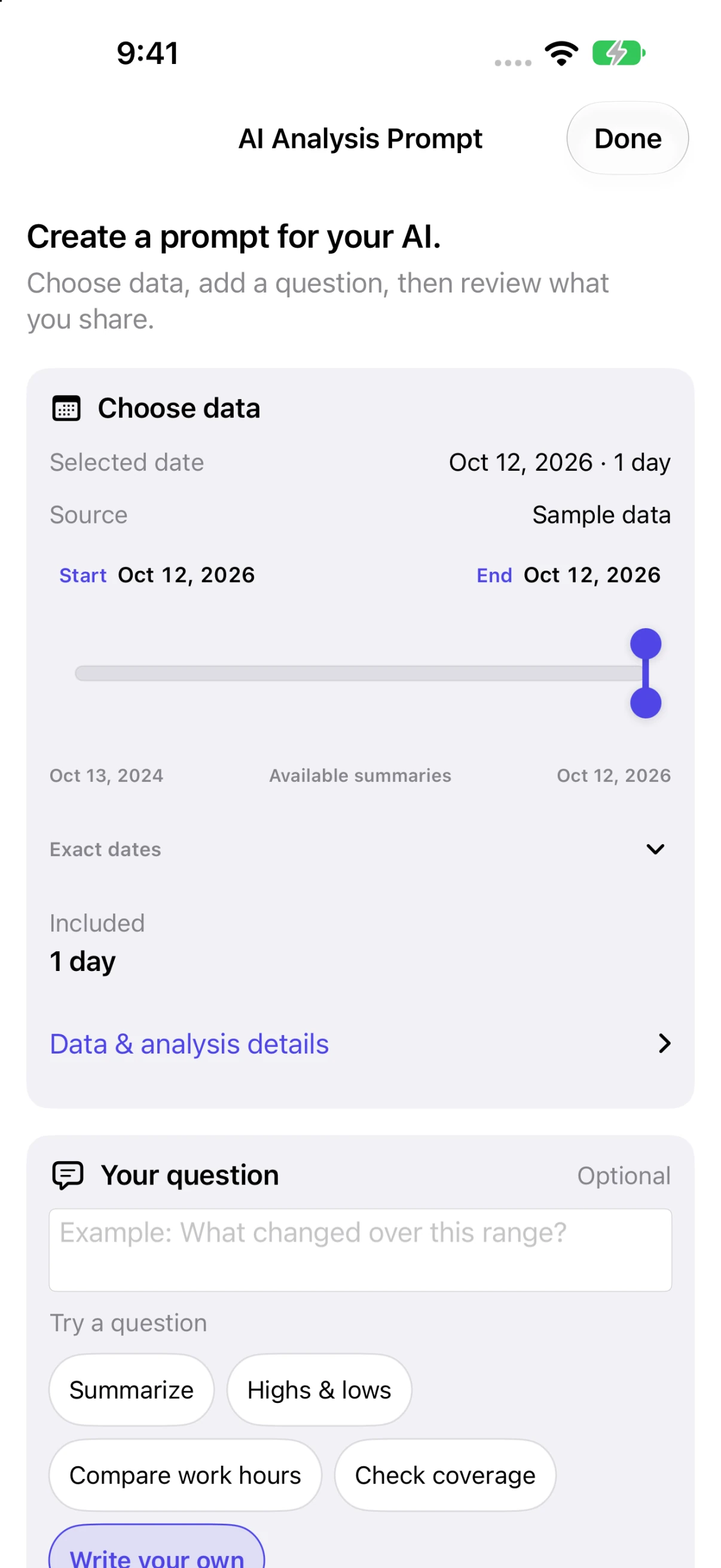
Chart summaries are sensitive health data. Your chosen AI service’s privacy terms apply when you share them.
Privacy & context
Analyze Apple Health history on your device. Nothing is uploaded automatically.
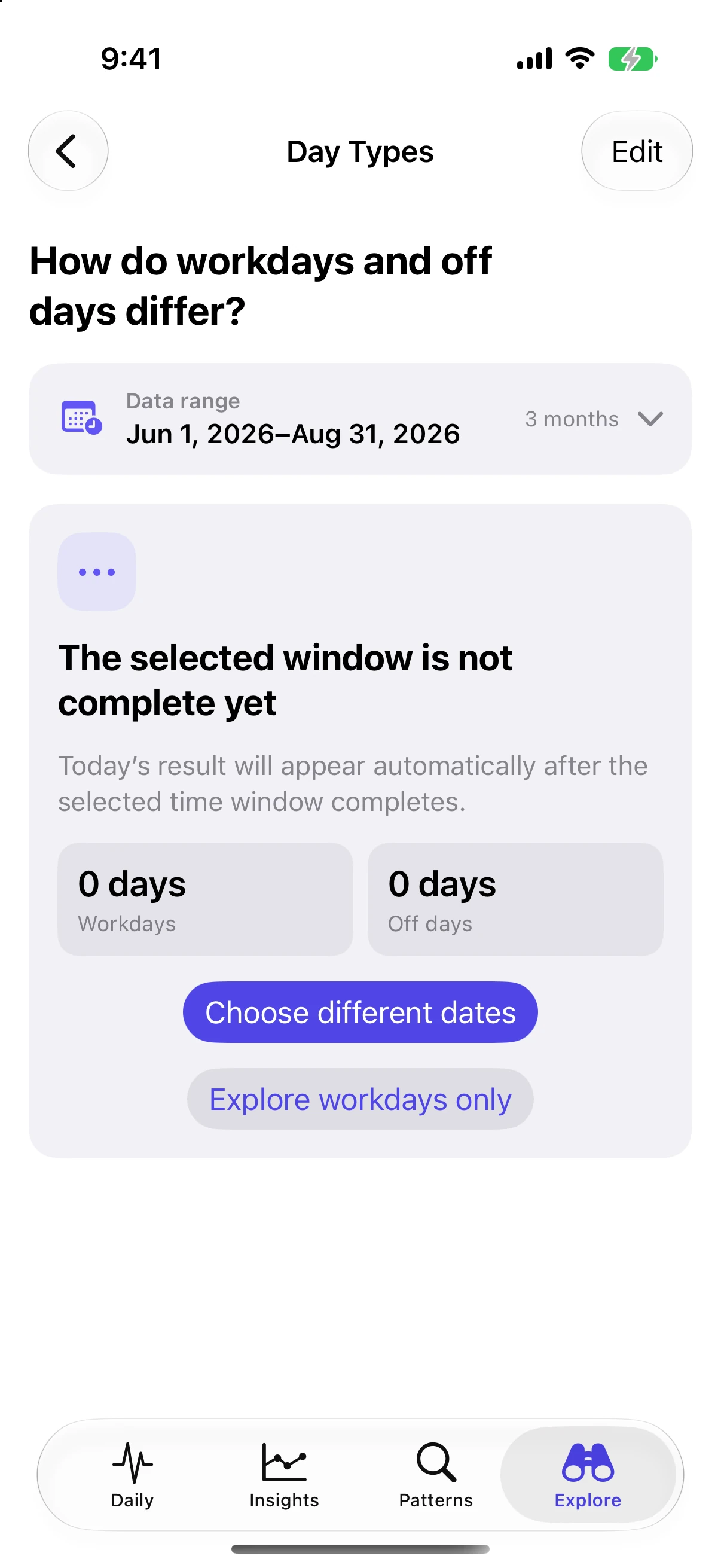
See which days have enough readings and which days were left out.
With permission, the app reads heart-rate and workout data. It does not change your Health records.
For personal review. The app does not provide diagnosis, treatment, medical-risk predictions, live monitoring, or emergency alerts. Read the privacy policy ↗
Useful answers
Start with sample data. Connect Apple Health when you’re ready.
More help & support ↗iOS or iPadOS 18 or later. Explore the major screens with included sample data first.
For personal results, you need heart-rate readings saved in Apple Health. An Apple Watch is one possible source; another source can save readings there too.
The Free plan does not expire.
After the included export, purchase one additional export or upgrade to Pro.
Pro is a one-time purchase. Unlock all available Apple Health history and unlimited PDF and CSV exports.
To restore after reinstalling or changing devices:
The App Store shows the current price for your country or region.
Analysis happens on your device.
No account or AI service is needed for charts, comparisons, or reports.
The optional Prompt feature prepares a question and chart summaries for you to review. Nothing is sent automatically. If you share it with an external AI service, that service’s privacy terms apply.
Results depend on recorded readings and permissions. Limited recording or access may leave gaps, show only part of a day, or prevent a result.
The app shows how much data supports a result and how many days have enough readings to be included. Missing readings are not filled in.
The app supports deliberate review of recorded history. It does not provide:
Start exploring
Free to start. No account. No subscription.